Accept stablecoin payments directly to your wallet.
Payclave is non-custodial stablecoin checkout for modern merchants. Create hosted checkout sessions, payment links, and invoices without building wallet and payment-status flows yourself. Customers pay through a connected wallet or the Scan or copy option. You receive USDC or USDT on Polygon in your settlement wallet, and Payclave verifies the result onchain before reporting the invoice paid.
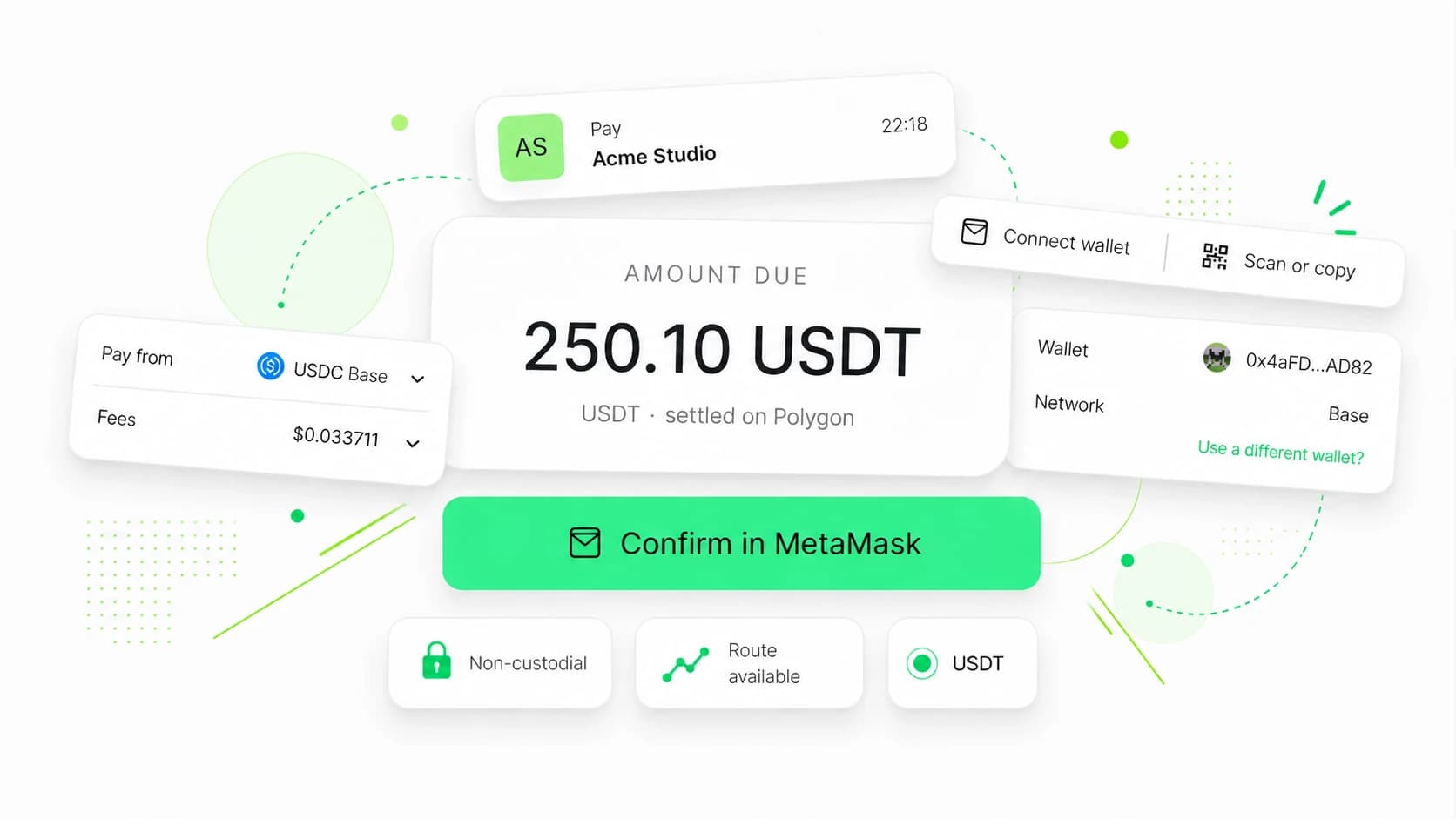
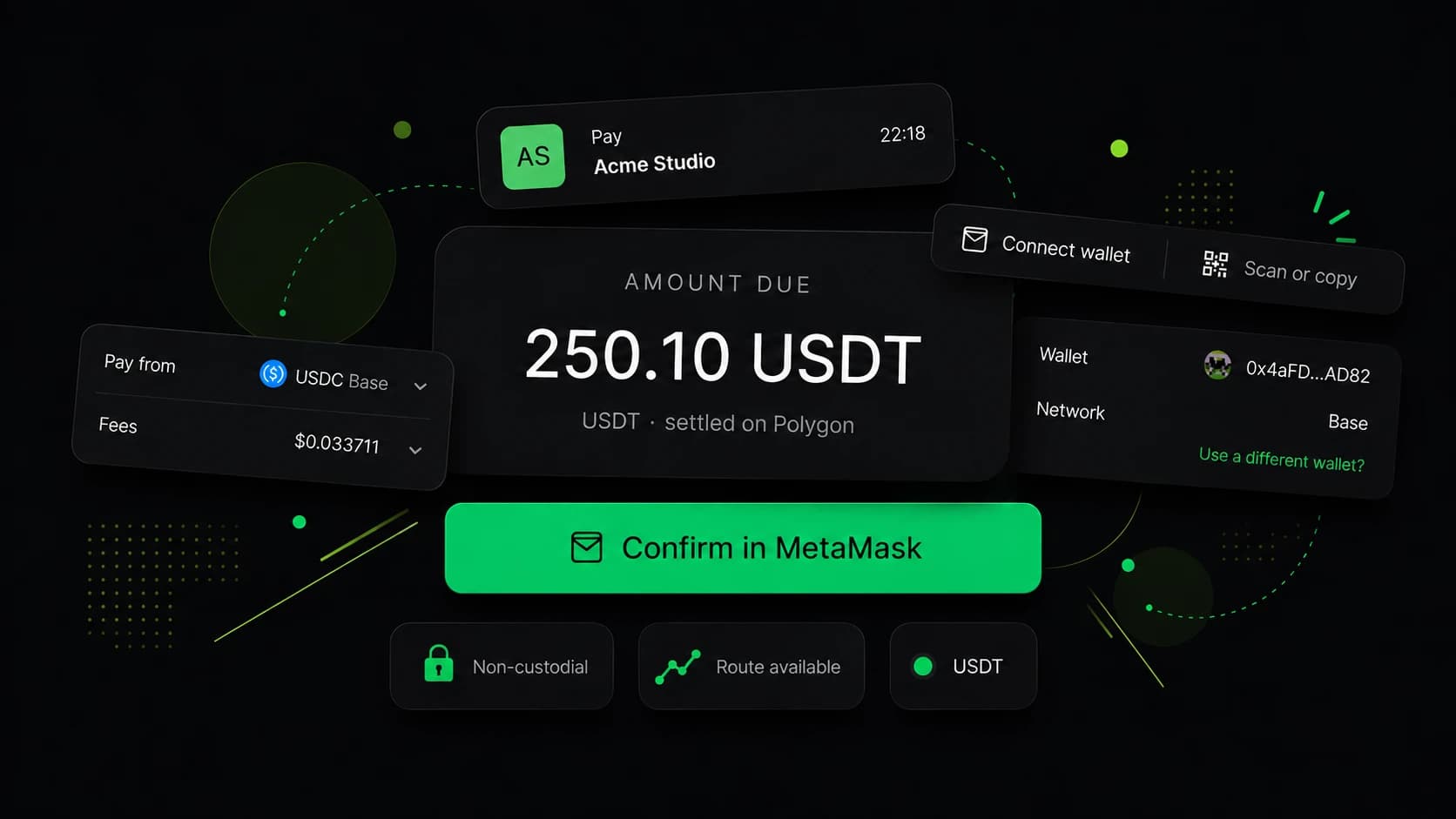
Connected-wallet options depend on the customer's wallet and payment route. Scan or copy can offer one-time deposit instructions on the networks below, subject to route availability. Merchant settlement remains USDC or USDT on Polygon.
A hosted payment flow without Payclave custody.
Payclave provides the customer-facing checkout, payment links, invoices, payment records, API keys, and webhook delivery. Settlement reaches the merchant-controlled wallet you configure. Payclave does not hold it or require a later payout.
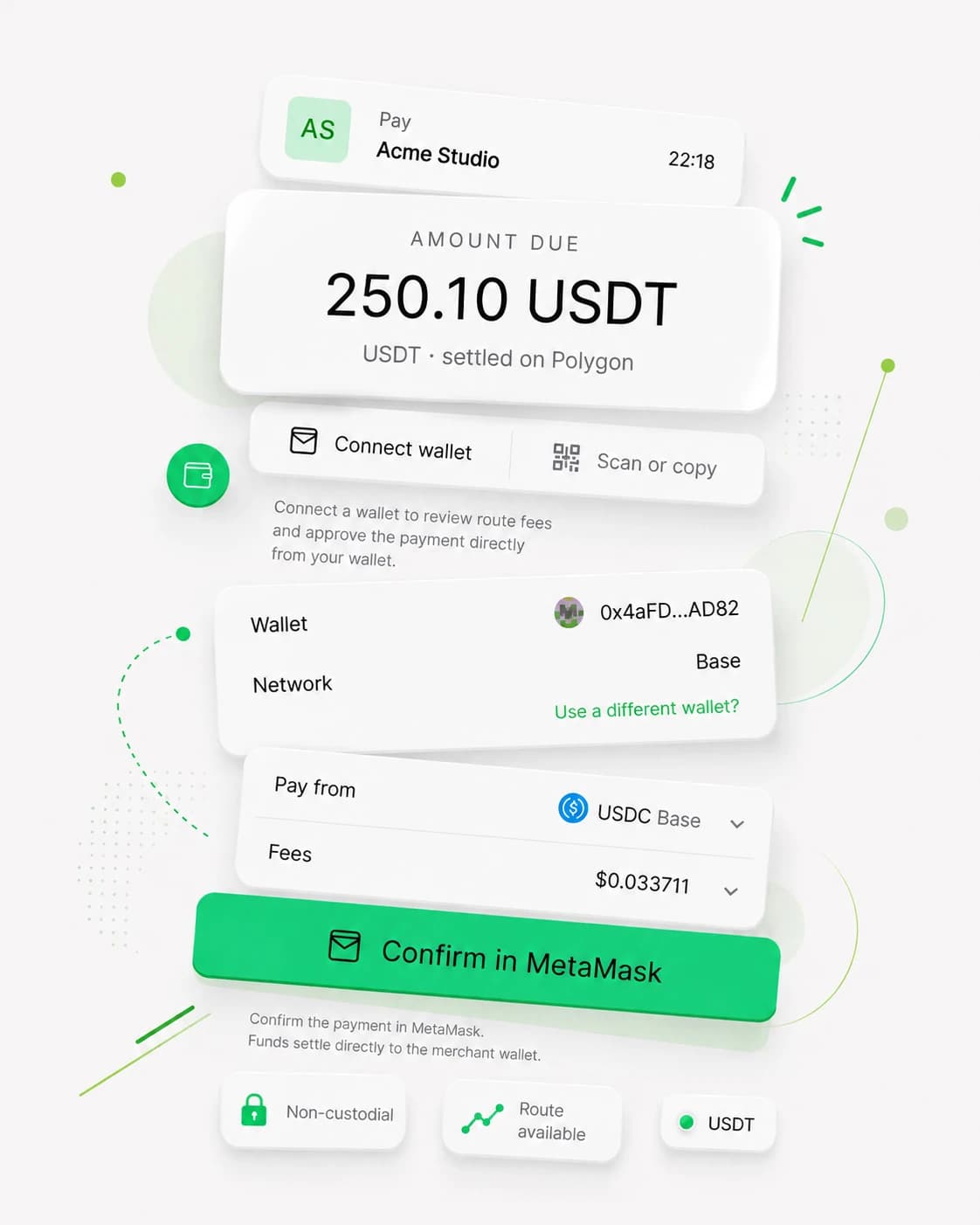
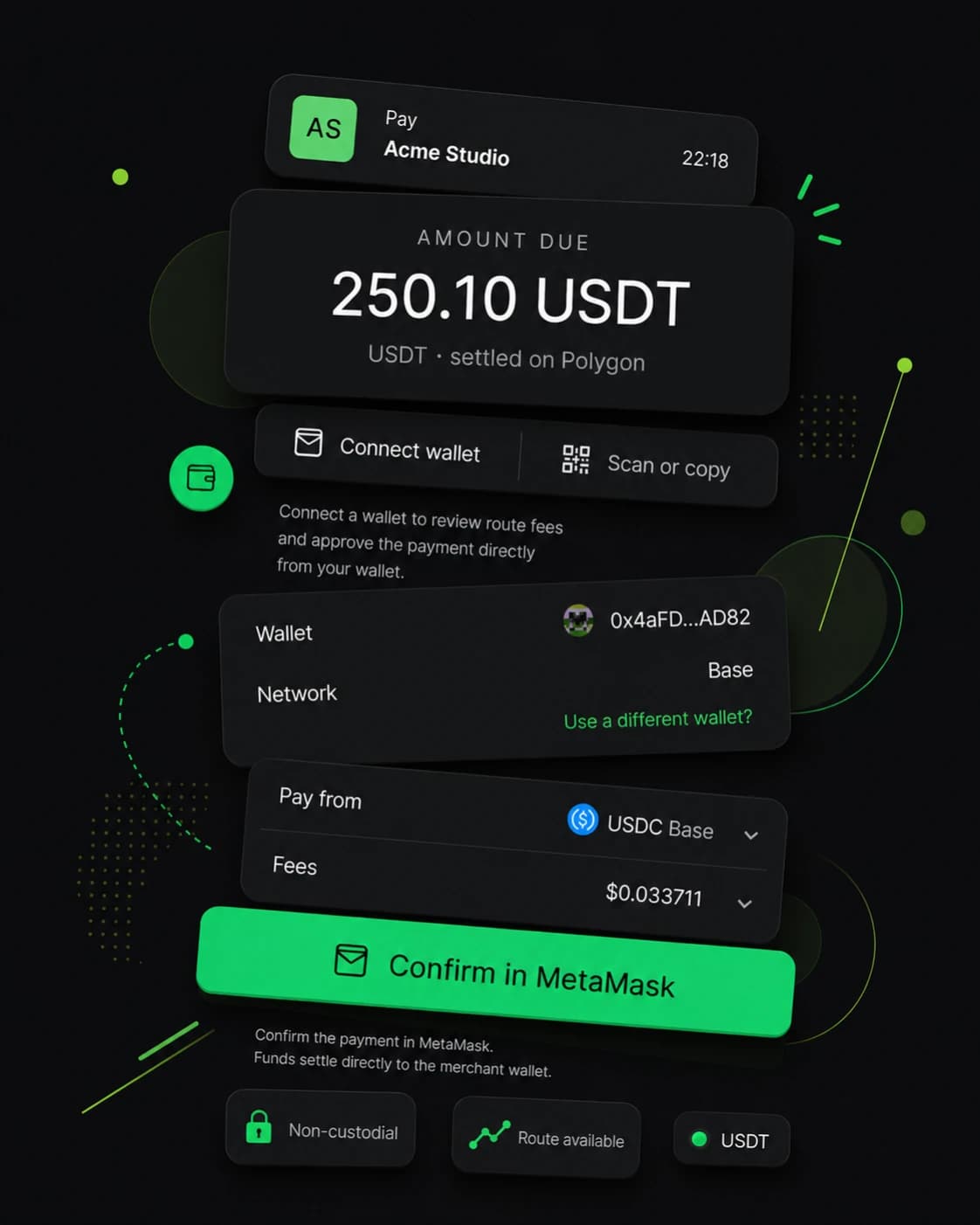
Flexible customer payment, fixed merchant settlement.
Customers can connect a supported wallet or use Scan or copy for one-time deposit instructions. Available payment routes vary. The merchant's settlement token remains USDC or USDT on Polygon.
import { createPayclaveServerClient } from "@payclave/sdk-server"2// Run this on your server4const payclave = createPayclaveServerClient({5 secretKey: process.env.PAYCLAVE_SECRET_KEY,6})7export async function POST() {9// Create a hosted checkout session10const session = await payclave.createCheckoutSession({11 amount: "249.00",12 externalReference: "order_3041",13 idempotencyKey: "order_3041",14})15return Response.json({ checkoutUrl: session.checkoutUrl })16}Public keys in the browser. Secret keys on the server.
JavaScript and React integrations use a public key for limited checkout creation. For production orders, create sessions on your server with a secret key. Signed webhooks, delivery attempts, and idempotency keys support reliable fulfillment.
Payclave never holds customer payments or merchant settlement.
Payclave creates checkout instructions, records payment attempts, and verifies settlement. It never receives private keys or controls the merchant's settlement wallet.
Settlement reaches the merchant-controlled wallet configured for checkout. Payclave does not hold it or make a later payout.
Merchants choose one supported Polygon stablecoin for settlement. Customer payment routes may vary.
Payclave checks onchain settlement independently before it reports a paid invoice or sends the matching webhook.
A clear path from checkout creation to fulfillment.
Payclave links the customer's checkout, the merchant's settlement, the verified payment record, and the fulfillment event. Test checkout creation and webhook handling end to end before requesting live access.
1. Create a checkout
Create a payment link, invoice, or checkout session, then send the customer to a Payclave-hosted URL.
2. The customer chooses how to pay
The customer connects a supported wallet or requests one-time deposit instructions. Available routes depend on the source token and network.
3. Settlement reaches your wallet
The merchant receives USDC or USDT on Polygon in the configured settlement wallet. Payclave never holds the merchant's settlement.
4. Payclave verifies the payment
Onchain checks confirm the transaction, chain, token, recipient, amount, timing, confirmation state, and duplicate-use rules.
5. Your backend receives a signed event
Payclave signs each webhook, records delivery attempts, retries endpoint failures, and supports manual replay from the dashboard.
6. Your team reviews the record
Review invoices, payment records, platform fees, net settlement, API keys, settlement wallet settings, and webhook delivery status.
Technical answers for the decisions behind checkout.
Build the integration, verify payment events, and reconcile direct wallet settlement with guides maintained against Payclave's current API behavior.
Create a checkout session
Create a Payclave stablecoin checkout session from your backend, use idempotency correctly, redirect to hosted checkout, and confirm payment safely.
Verify webhook signatures
Verify Payclave webhook signatures against the raw request body, reject stale deliveries, deduplicate event IDs, and fulfill each stablecoin order once.
Reconcile stablecoin payments
Reconcile Payclave invoices, payment records, platform fees, and direct wallet settlement without treating a transaction hash as the complete order record.
Onchain payment verification
Learn how Payclave verifies stablecoin settlement, confirmation state, recipient, token, amount, expiry policy, and duplicate transaction use before paid status.
Checkout vs wallet transfers
Compare hosted stablecoin checkout with manual wallet payment instructions across customer experience, order matching, verification, settlement, and fulfillment.
Practical answers before you integrate.
Learn what Payclave controls, how payment confirmation works, and what changes when you move from test mode to live mode. Contact us if your question is not covered here.
One live payment fee. No monthly plan.
Payclave charges 0.7% of each completed live payment. The fee comes from the listed invoice amount, so the customer pays that amount and the merchant receives the remaining 99.3%. The standard checkout has no monthly or setup fee. Network costs are separate and may appear in checkout.
Test mode
$0
Build and validate a Payclave checkout integration without moving real funds.
Merchant profile setup
Separate test public and secret keys
Payclave-hosted test checkout
Invoice and payment records
Test webhook delivery
Pay as you go
0.7%per payment
For merchants ready to accept real stablecoin payments.
0.7% per completed live payment
No monthly fee or setup fee
USDC or USDT settlement on Polygon
Independent onchain verification
Signed webhooks with retries
Larger rollout
Talk to us
For businesses evaluating Payclave at higher volume. We will confirm eligibility, current product scope, and written commercial terms before launch.
Payment links and Payclave-hosted checkout
USDC or USDT settlement on Polygon
Independent onchain verification
Signed webhooks with retry records
Separate test and live modes
Build and test your first Payclave checkout.
Set up your merchant profile, configure a test settlement wallet for USDC or USDT on Polygon, generate test keys, and create a hosted checkout through the API, an SDK, or the API playground.